


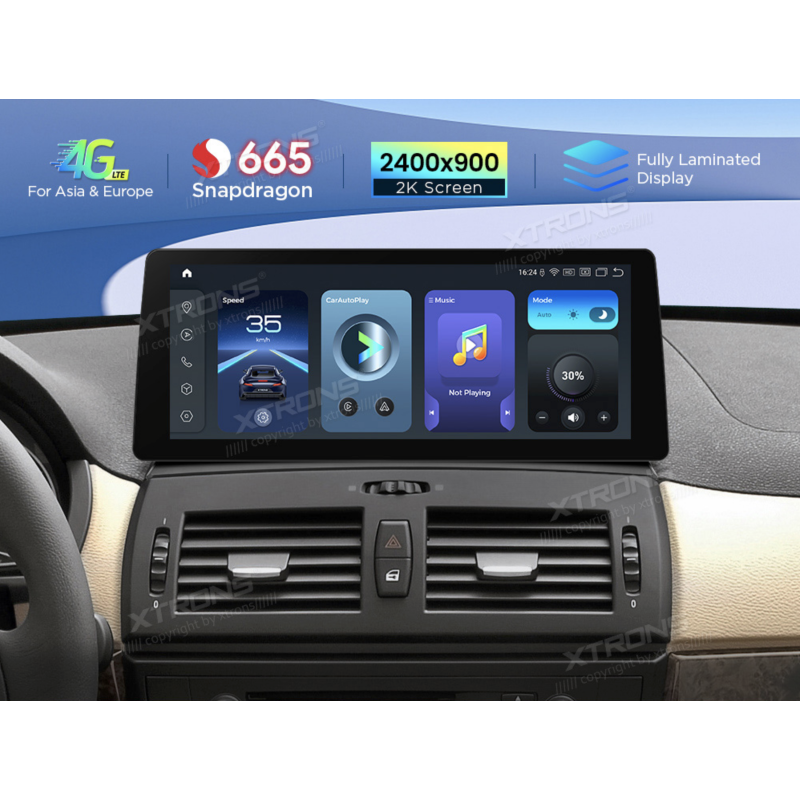
BMW X3 E83 (2004–2009) M-ASK | XTRONS 12.3″ Android multimedia screen | QGBS25X3MK
Brand:

Delivery time: 5–9 business days
 kuumaks al. 17,04 €
XTRONS 12.3″ 2K Android 14 screen for BMW X3 E83 (2004–2009) with factory display and M-ASK. 6 + 64 GB, 4G LTE, wireless CarPlay and Android Auto.
XTRONS · QGBS25X3MK
A new screen for your BMW X3
Replace the factory display with a 12.3-inch XTRONS touchscreen while retaining the original radio, CD player and iDrive.
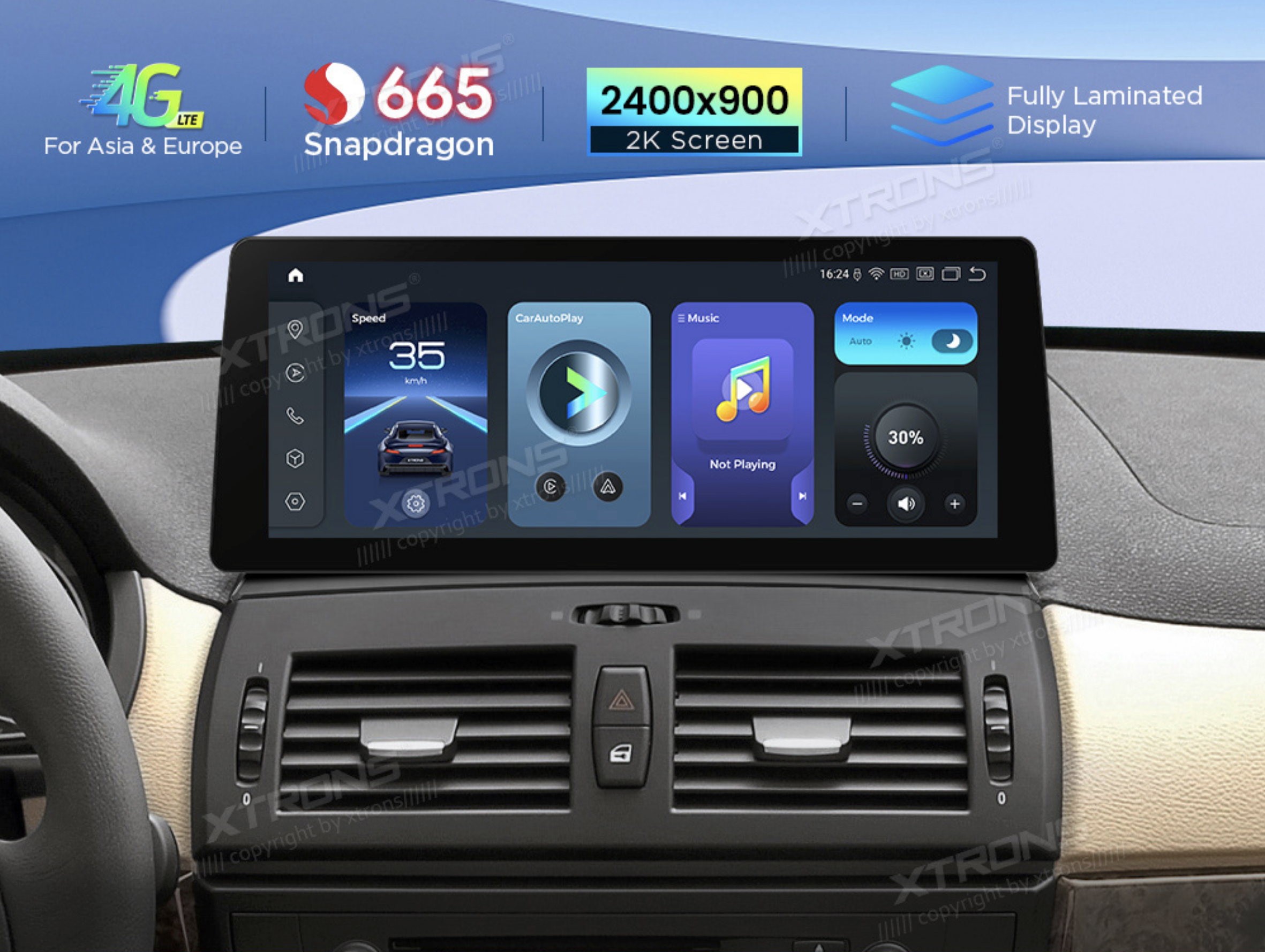
Check compatibility before ordering
For BMW X3 E83 (2004–2009) with a factory screen and M-ASK. Look for one CD slot, an M-ASK menu and an 18-pin LVDS connector. If the menu was modified or the system is unclear, check the equipment by VIN.
Android audio requires a working, enabled AUX input. If AUX is missing or faulty, XTRONS specifies the optional CA/ITR/FM02 FM transmitter.
Keep your phone in your pocket and your apps on screen
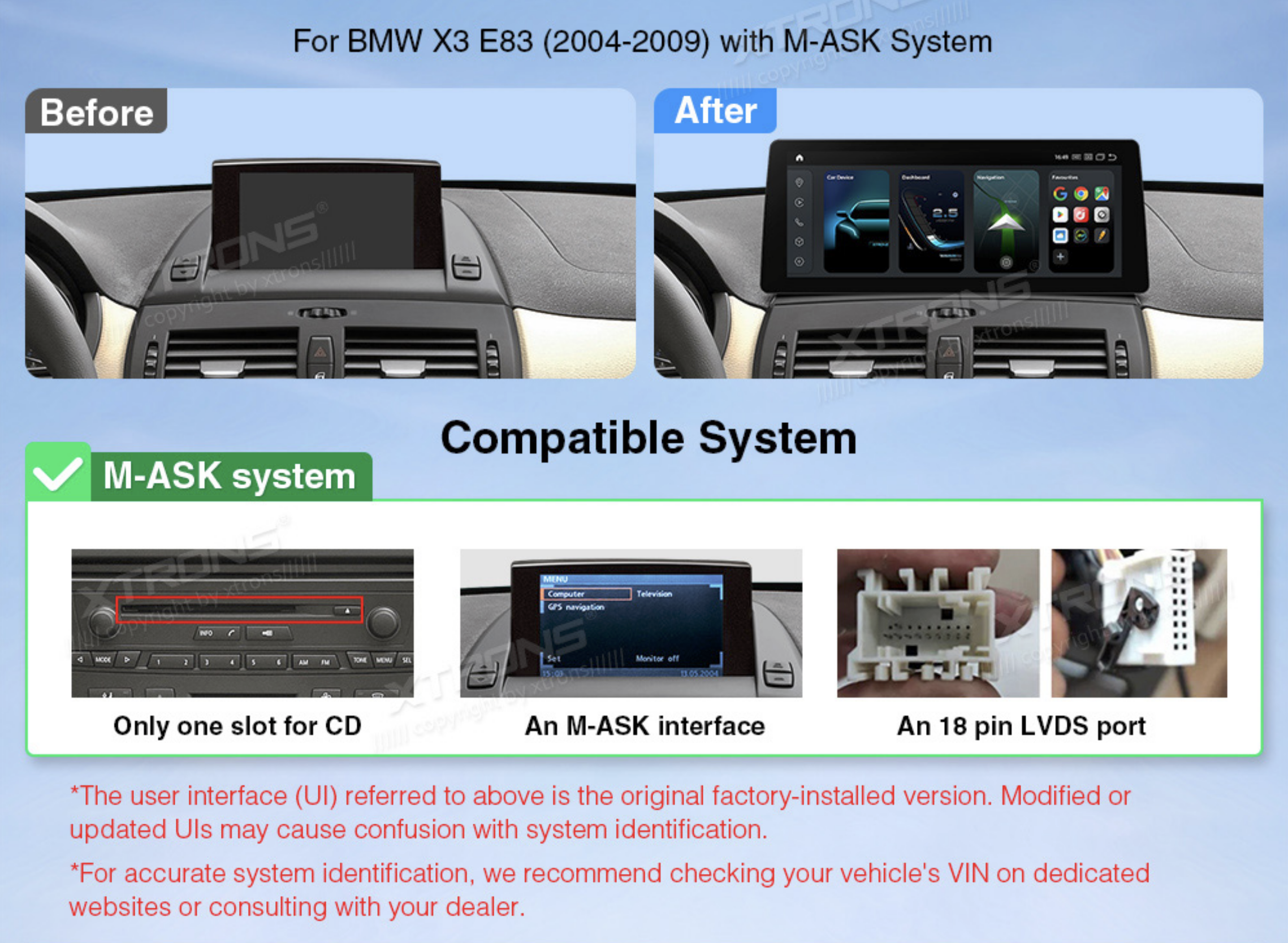
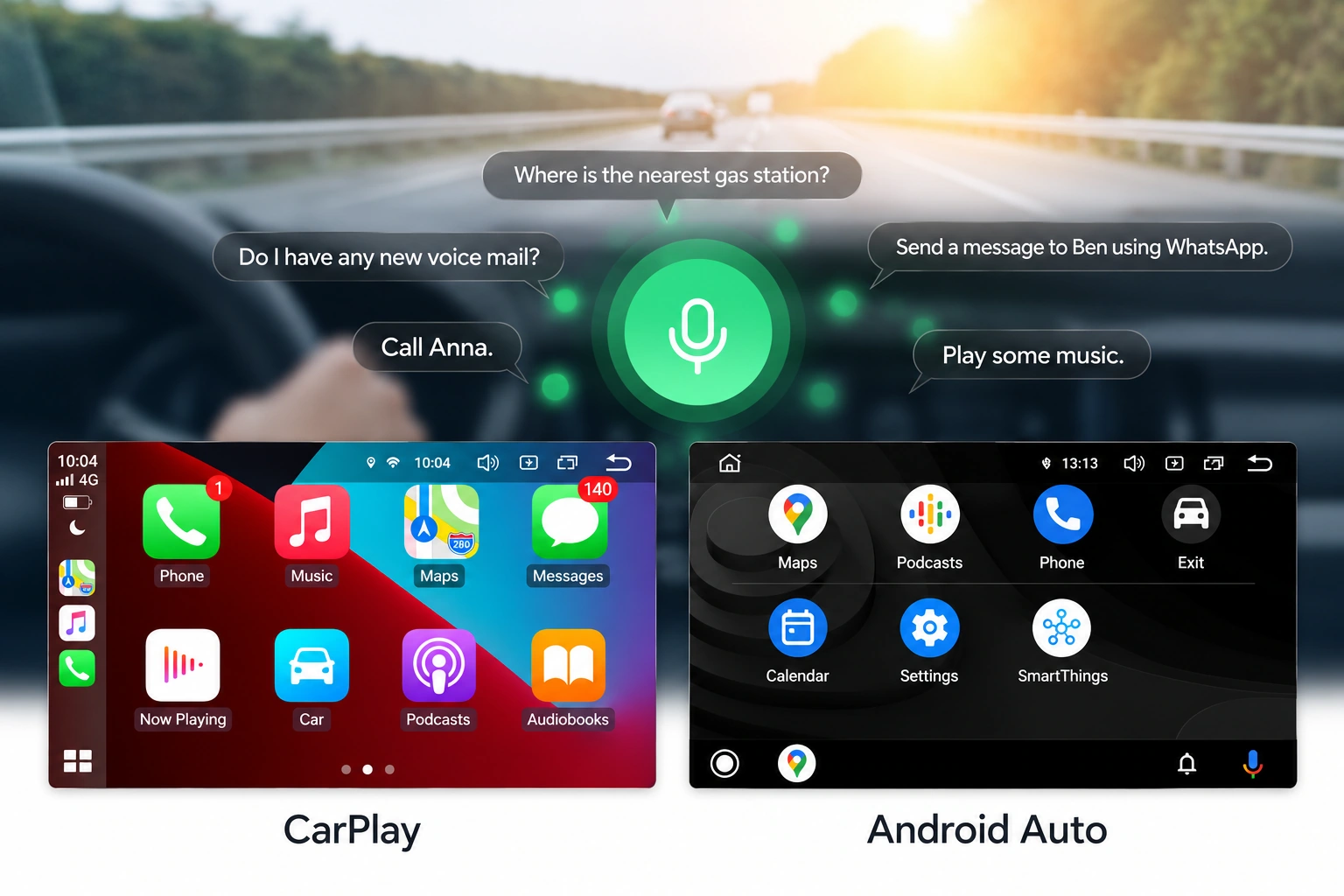
Connect a compatible iPhone via wireless Apple CarPlay, or an Android phone via wireless or USB Android Auto. Keep Bluetooth and Wi-Fi on after pairing for wireless use. Use supported apps such as Waze, Google Maps and Spotify, and make calls through your phone. App support depends on the phone.
AutoDIGI phone connection illustration showing an Alpine example.
Display, performance and connectivity
- 12,3″ IPS 2K · 2400 × 900
- Android 14 · Qualcomm Snapdragon 665 · 6 GB RAM + 64 GB UFS
- 4G LTE · Wi-Fi 2,4 / 5 GHz · Bluetooth 5.1 · GPS · 2 × USB
- Apple CarPlay · Android Auto · AHD
Installation and wiring
The box includes the screen, mounting bracket, ISO harness, USB and audio cables, GPS and 4G antennas, mini speaker and installation instructions. An add-on camera is sold separately.
LVDS carries the factory video signal. The ISO harness connects the original CD player and power, while AUX carries audio. Use the labelled GPS and 4G antenna ports. The manufacturer diagram pairs AUDIO IN with AUDIO OUT (8–9), and CAN B with LIN (10–11). Follow the diagram for fibre optic and camera wiring. Professional installation is recommended.
Open the full-size wiring diagram



